
Select Your Screen
Choose your desktop, browser tab or application window from the browser screen-sharing popup.
Use ClipPanday to record your screen and microphone directly from your browser. Explain changes, provide visual feedback and share your video with your team.
Screen and voice video recorder
Click Start Video Recording and select your complete screen, application window or browser tab.
Recording: 00:00
When you stop recording, the upload progress and final result will open only in a new tab.
All rights reserved. Powered by Digital Brains
Communicate clearly by showing your screen and explaining your requirements using your voice.
Choose your desktop, browser tab or application window from the browser screen-sharing popup.
Keep the microphone enabled to explain project changes, requirements, feedback or instructions.
Stop the recording and ClipPanday opens the upload and share result only in a new browser tab.
Watch the tutorial to understand how to select your screen, record your voice and share your completed video.
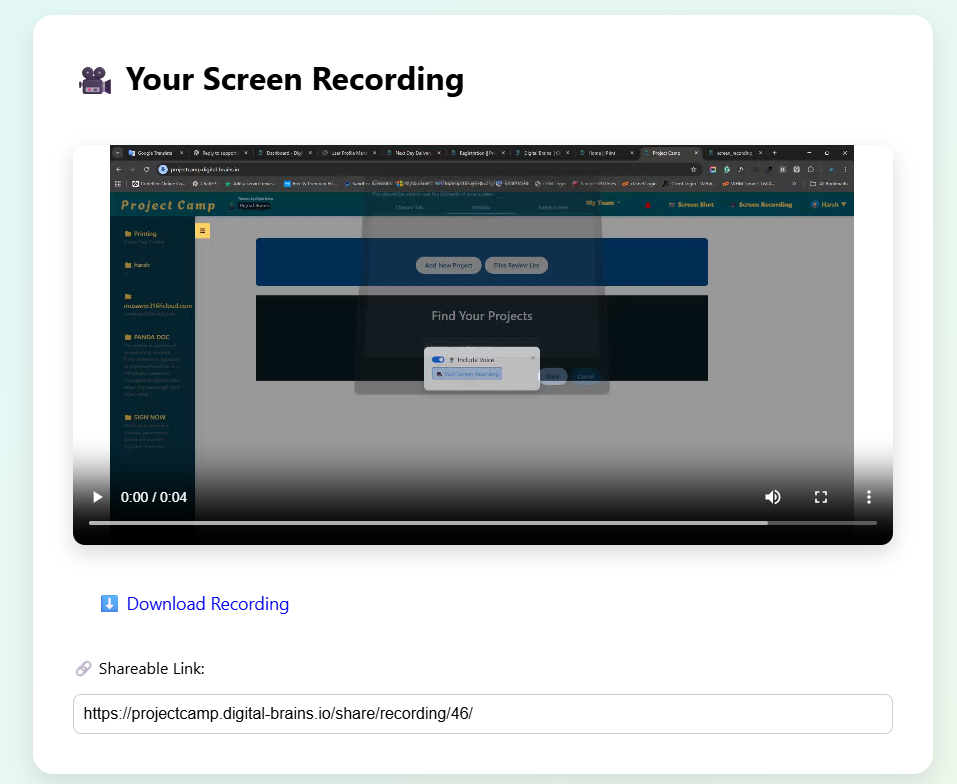
Replace confusing emails with a visual explanation. Your team can see the exact issue and hear your instructions at the same time.
Start your screen video recording directly from the ClipPanday recorder at the top of this page.
Start Video Recording